

Relevant to: Sponsored Videos
Showcase your product to millions of shoppers directly in their search results. This guide covers key topics for using our self-serve platform.
Relevant to: Sponsored Videos
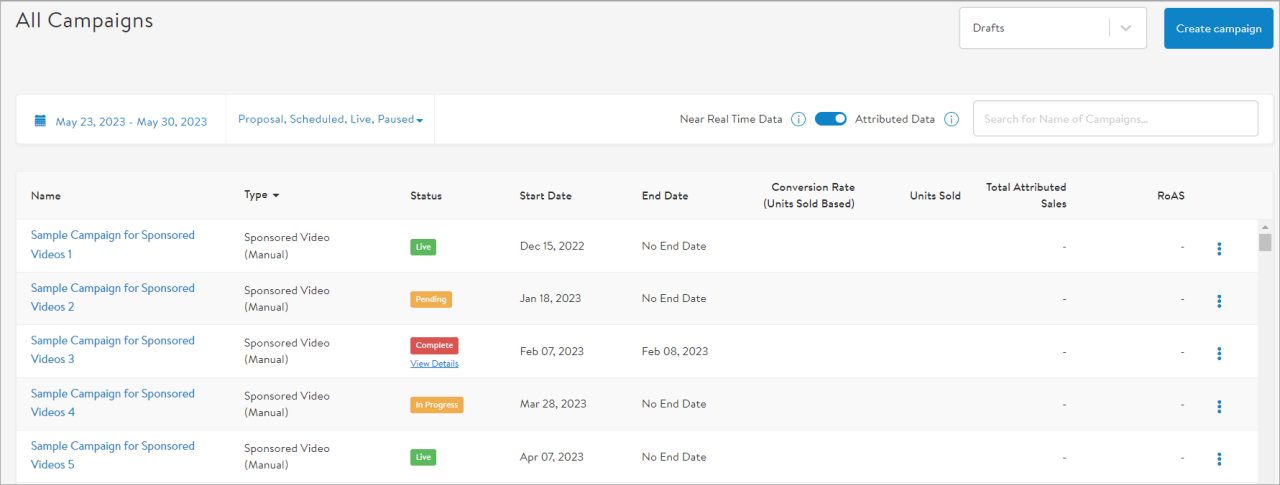
All Sponsored Videos campaigns must go through an approval process with Walmart. Reapproval is also required in the following instances:
Changes to bids and disabling items or keywords do not require reapproval.
Approvals can take up to 3 days to complete.
After submitting your campaign for review, follow the steps outlined below:
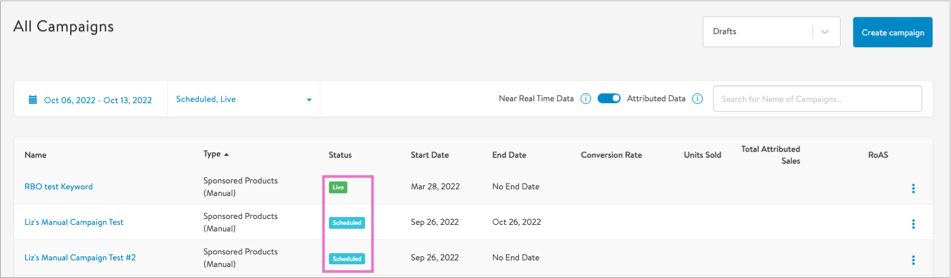
If approved:
If rejected:
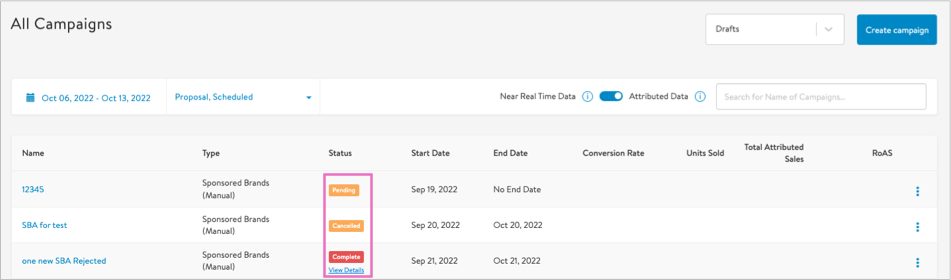
Correct errors and resubmit for review. Repeat these steps until the campaign review status is complete.
The campaign status will automatically change to enabled, then scheduled and finally to live (on the campaign start date) once the following criteria is met:
If your Sponsored Videos campaign is still in the pending or in progress stages, click the campaign name then Edit Campaign in the upper right to make changes to video, items and/or keywords. You will need to resubmit once you’ve completed your updates.
Changes to the video files require you to first pause your Sponsored Videos campaign.
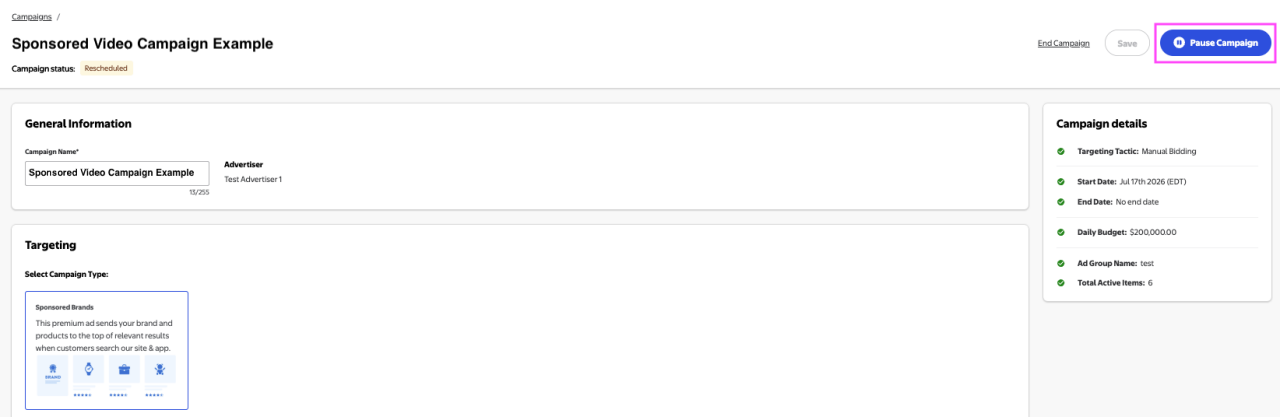
Update your video selection as needed.
Click Submit for review to begin the review process.
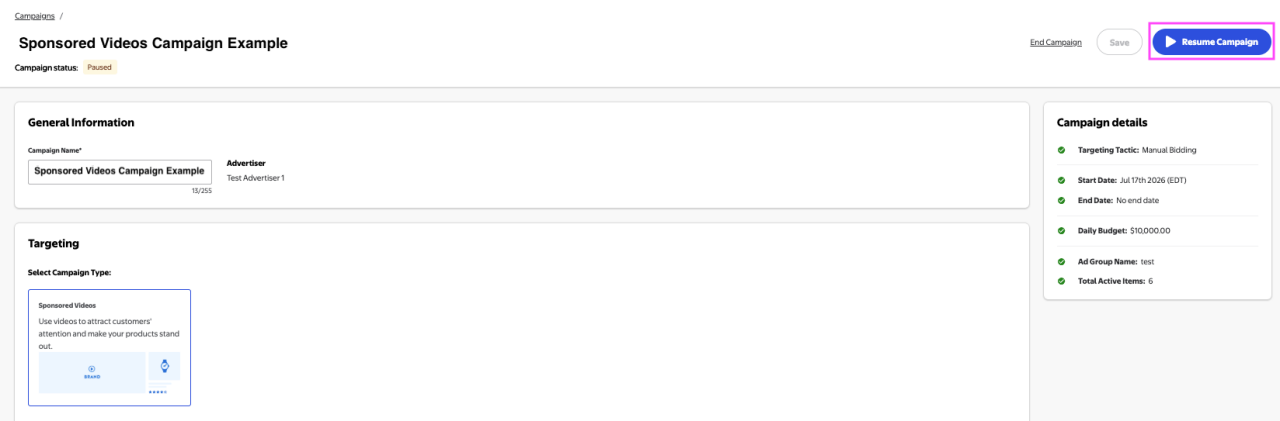
Once review is complete, you can resubmit or resume your campaign.
Adding or enabling items and/or keywords does NOT require the campaign to be paused.
Important: You cannot delete items or keywords from an already live campaign, so if your campaign already has the maximum number of items (10) and/or keywords (200), you’ll need to create a new campaign.
Note: Disabled items and keywords do not count toward your maximums.