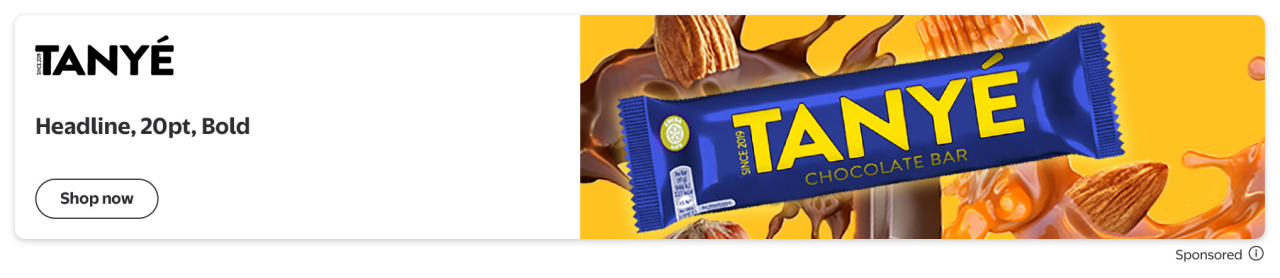
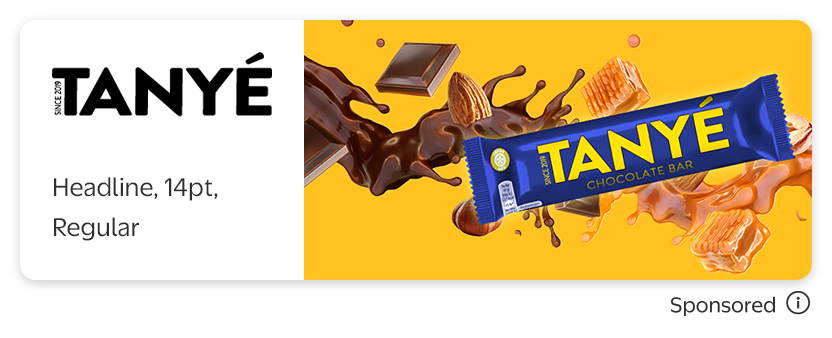
Marquee ads appear in the Search and Browse pages and the Item and Category pages for desktop, mWeb and app.
The Marquee renders with different size versions depending on the users device. Advertisers can design for these sizes if they choose using our creative templates, which can be found at this link: Creative templates
In the Creative Hub, you will begin by uploading a single image for all assets which will then be resized. Then, you can either continue to use that, or replace individual units with their pixel perfect image sizes (found below) by clicking the image/logo element and then adding a new version for that specific ad.
Marquee - Desktop