Upload a CSV file (optional)
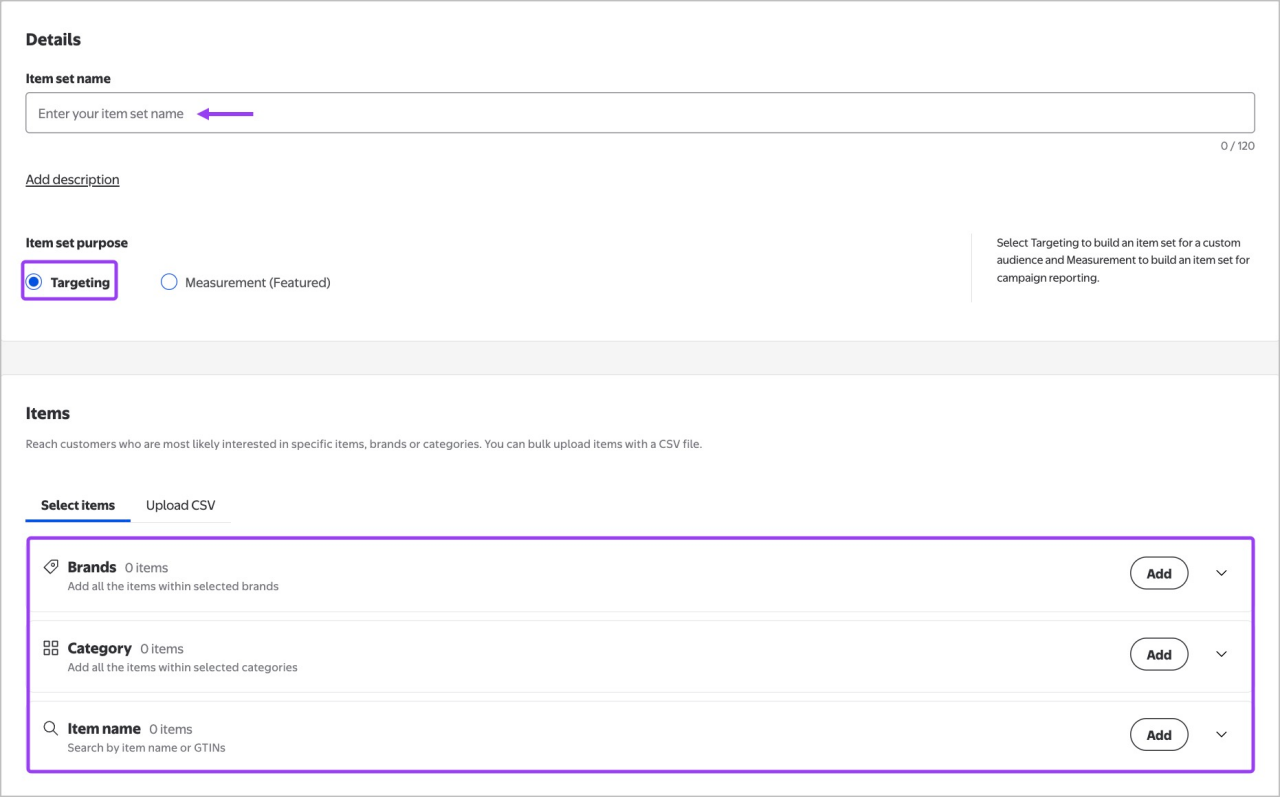
If you have a pre-built list of items, you can:
- Select the Upload CSV tab.
- Download the CSV template or review format guidelines.
- Each line should have only one field populated for:
- Store item ID
- Online item ID
- GTIN
- UPC (includes all the store and online items)
- Upload your file and select Create item set.
Finalize and create the item set
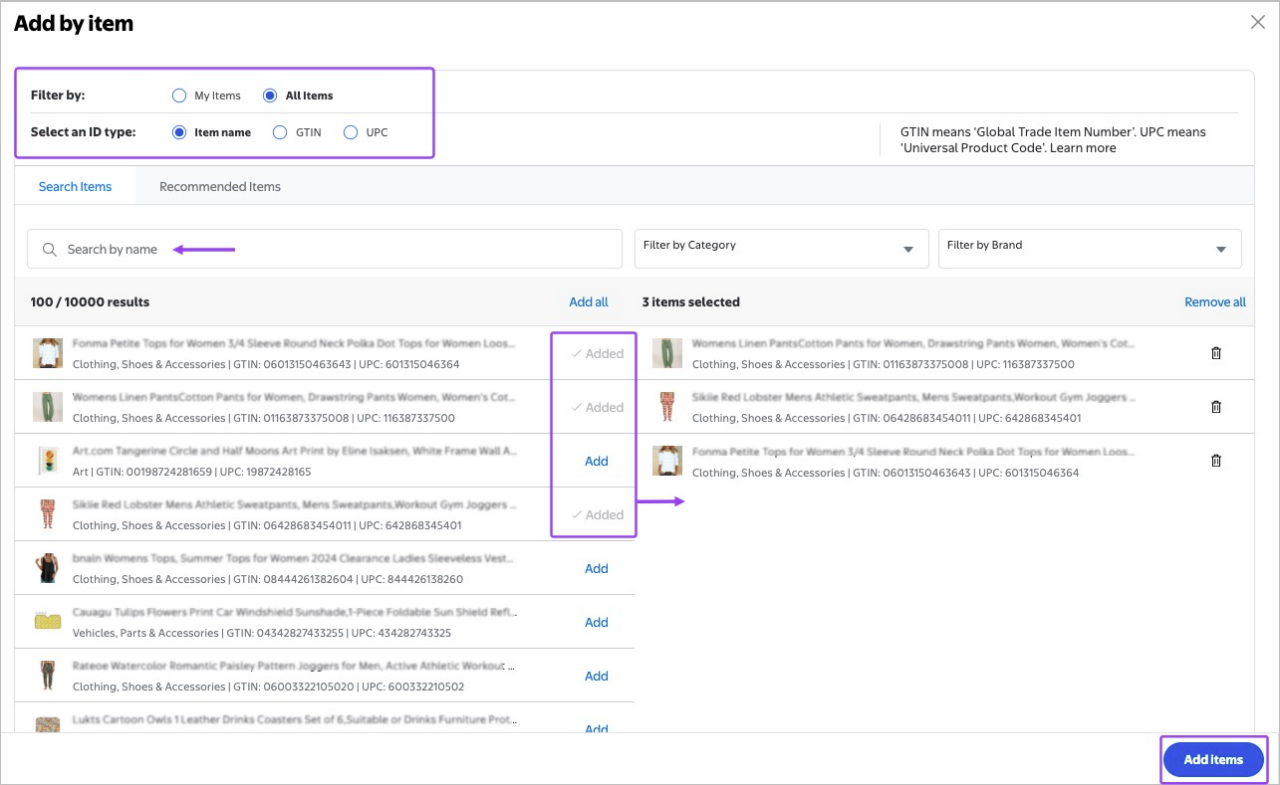
After you've added all desired brands, categories or items, review your selections. Select Create item set in the lower right-hand corner to save the item set.
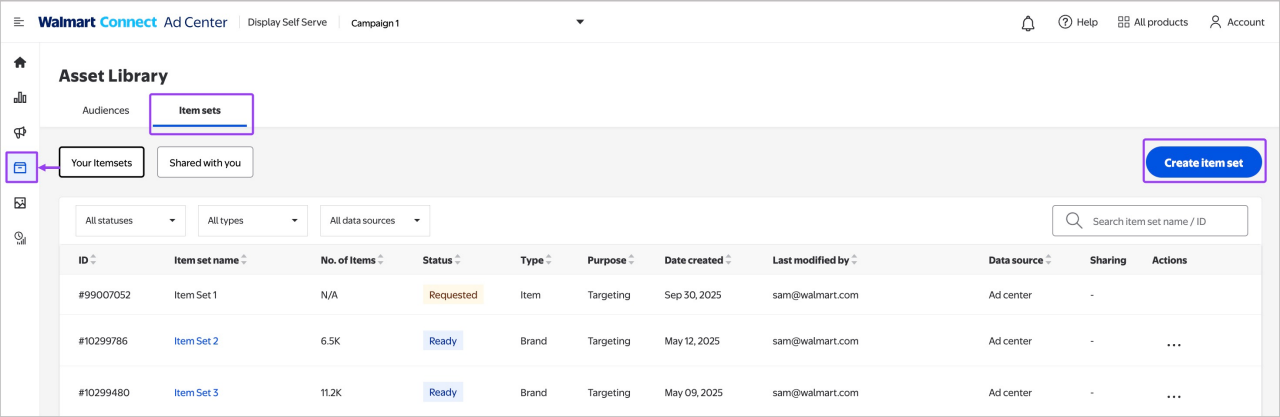
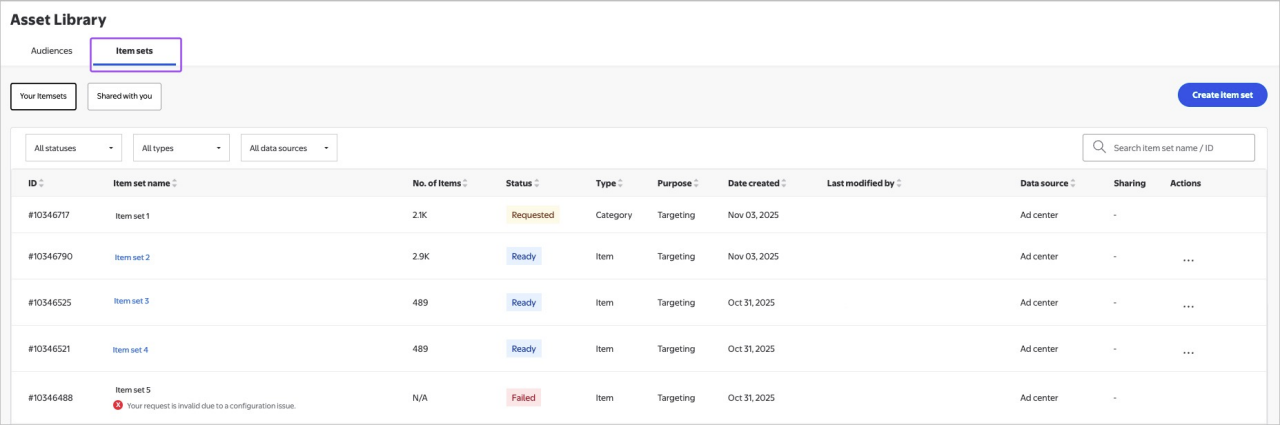
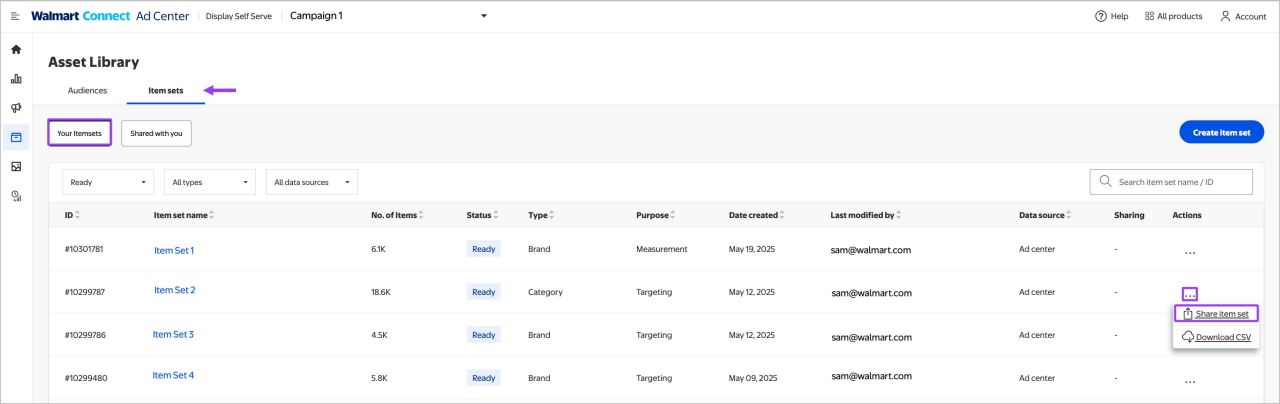
Your new item set appears in the Item sets tab with one of the following statuses:
- Ready – Item set is successfully built and ready to use with custom audiences.
- Requested – Item set is being processed.
- Failed – The set was not created (due to errors like insufficient items or system issues).