Table of contents
Advertising Help Centre
Onsite Display Guide
Reach customers when they’re ready to buy and drive impact across the purchase funnel.
Creative review, rejections and approvals
Preview and submit ad creatives
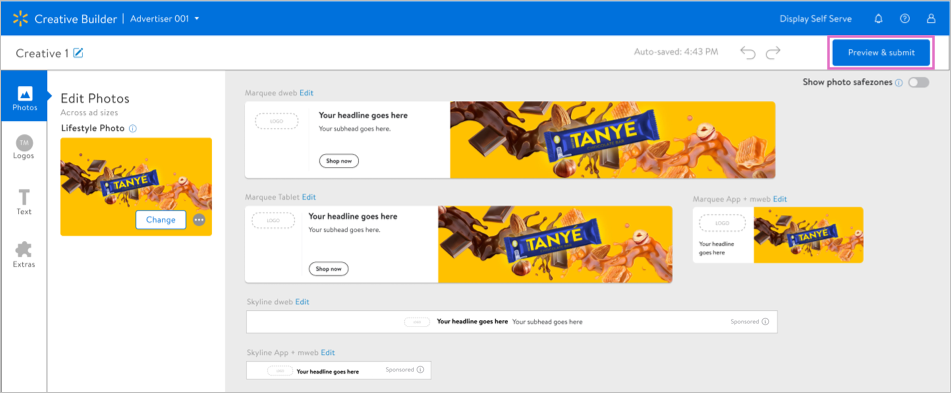
Once you have added all the required assets and compliance checks are complete, select Preview & submit to preview all units. You can also preview ad creatives by selecting the name from the Creative Hub list.
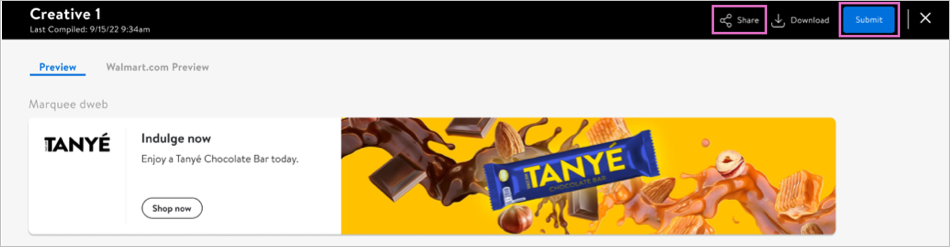
Select Share to send other account users a link to the ad creatives.
Creative approvals
Ad creatives may take several review cycles to be approved, so be sure to submit them in advance of your campaign start date. We recommend submitting ad creatives at least two weeks prior to the campaign start date.
Note: Please allow three business days after submission for review.
- Ad creatives may not be edited once they are approved.
- Approved ad creatives may be cloned for future use. If an approved ad creative is edited, it will have to be resubmitted for review.
Once approved, your ad creatives are ready to be added to a campaign.
Creative rejections
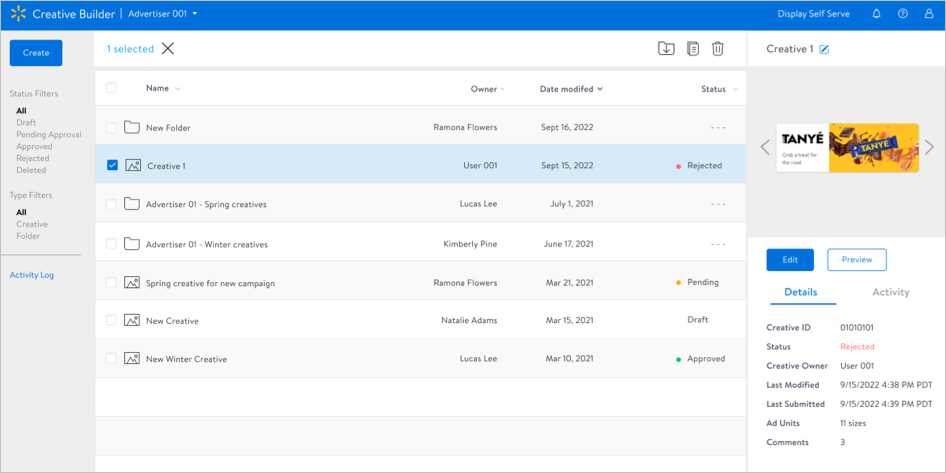
If an ad creative is rejected by Walmart Connect’s creative review team, you can view reasons for the rejection in the Creative Hub.
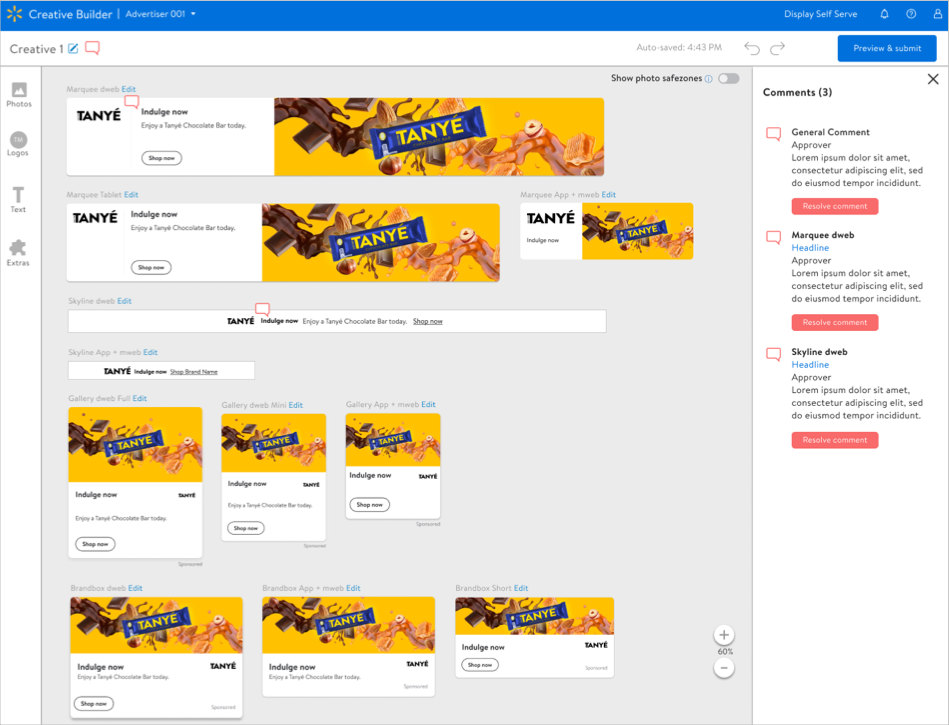
Address the feedback and resolve each comment before re-submitting an ad creative for review.