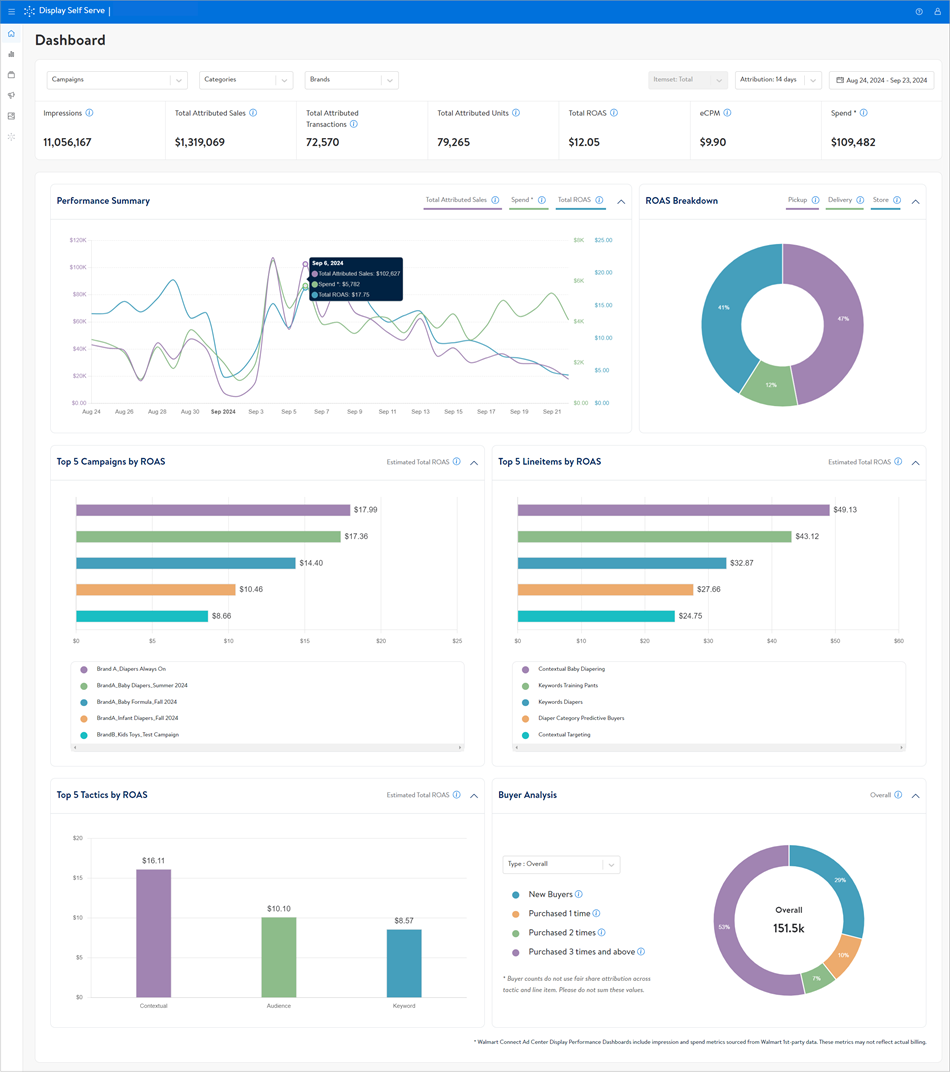
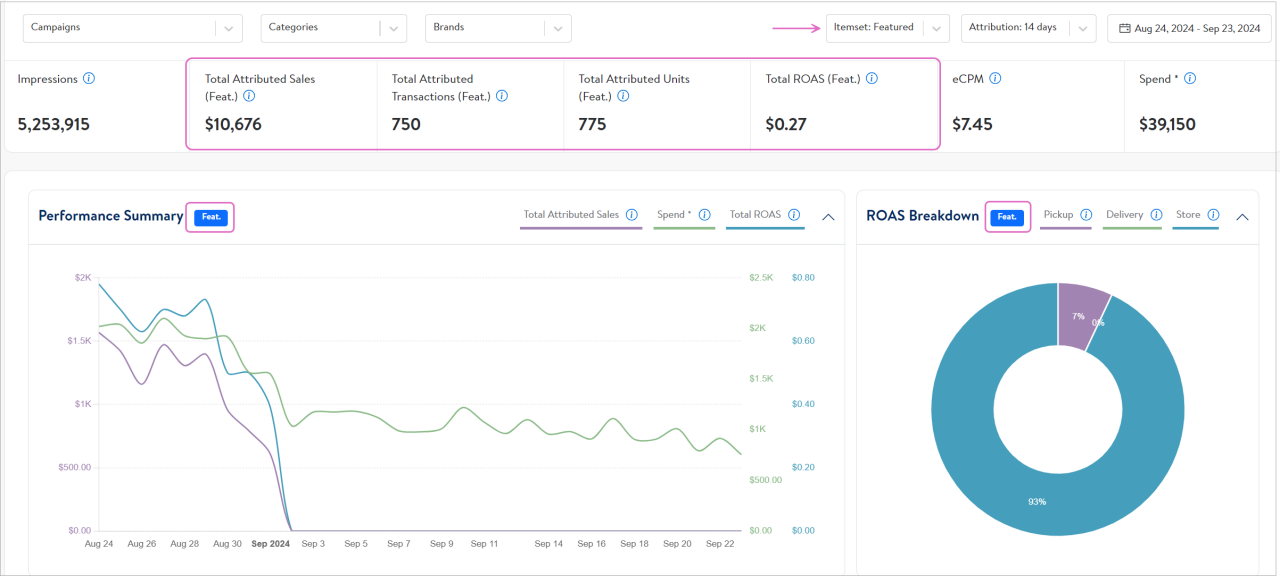
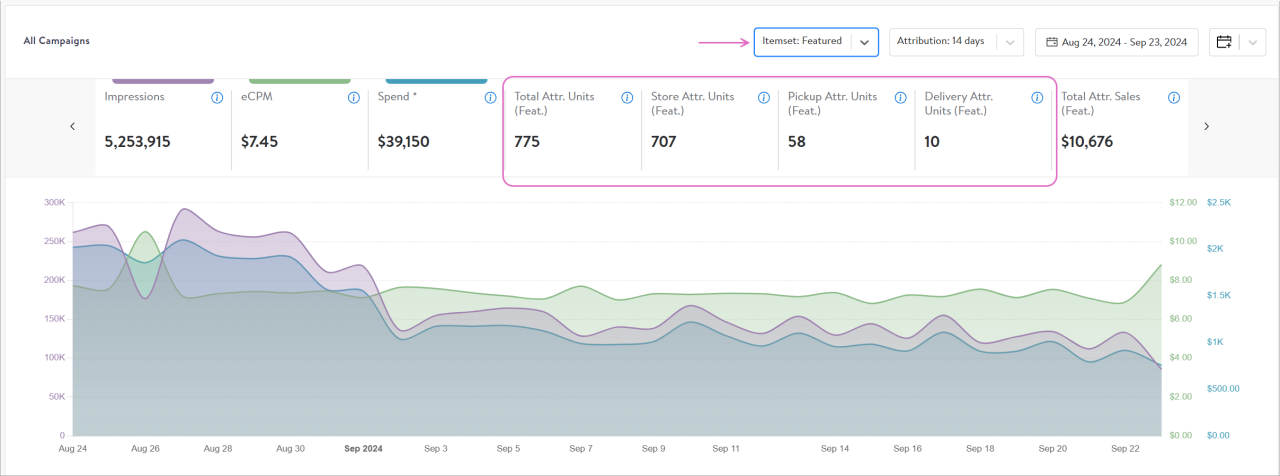
Note: To view metrics for individual campaigns, select Campaign Performance from the left-hand navigation pane.
Filter campaign reporting by specific categories or brands
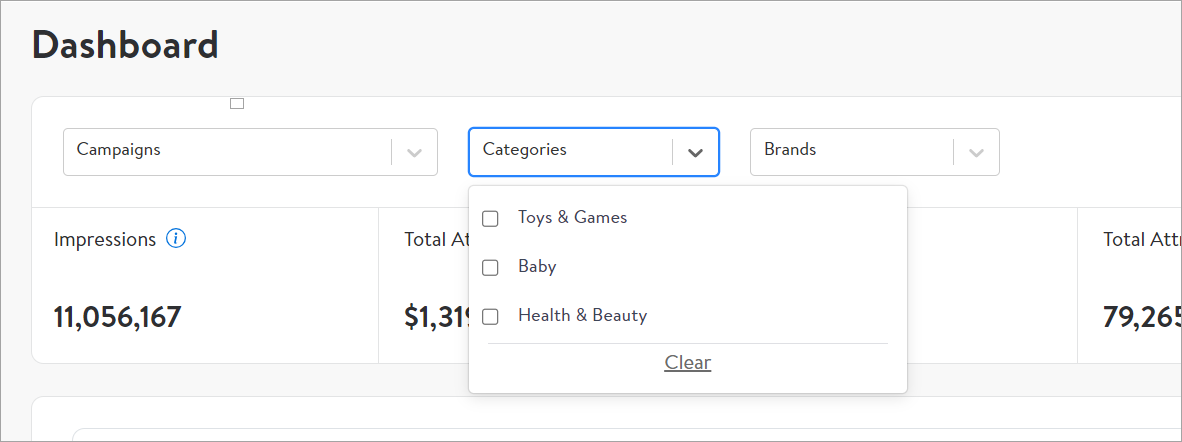
If you have multiple brands under an account or sell in multiple categories, you can filter your dashboard to view only the campaign insights related to the categories or brands of your choice.
Filters save time and effort and help you see relevant insights more easily.
How are brand and category filters created?
The filters are autogenerated by analyzing brand and category data within your campaigns. To identify the brand, Walmart searches through the same product catalog that we use to create and map Display campaign item sets.
Once an item set is associated with a campaign, the system automatically determines the category and brand of the campaign by using the item IDs within the item set. Walmart classifies multi-brand campaigns as “multi-brand.”
Applying filters
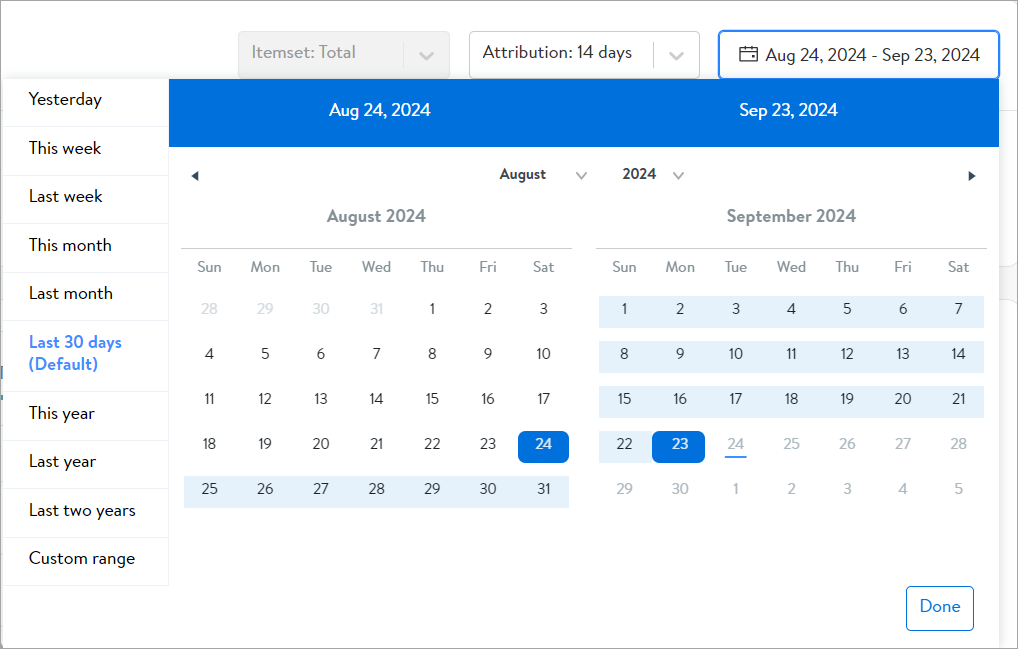
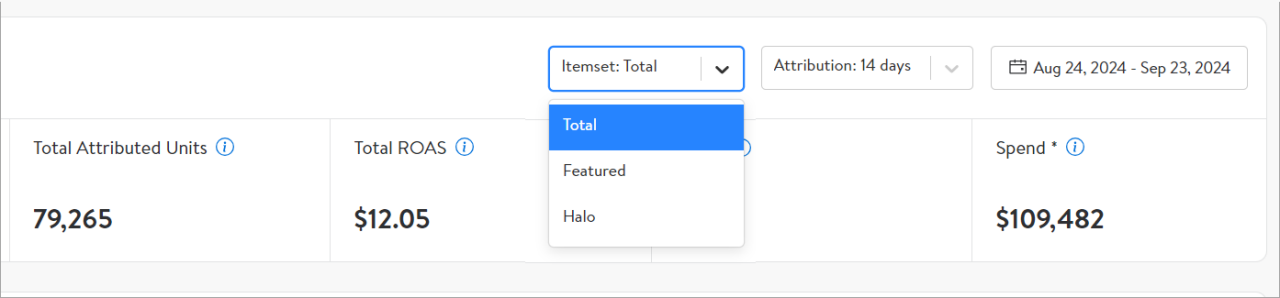
Open your home dashboard in Walmart Connect Ad Center. Use the dropdown menus at the top right to filter by campaign, category, and brand. Select the appropriate filter and choose from the brands or categories in your Walmart Display campaigns.
Filters may be combined for more precision.