This guide explains how to apply contextual targeting in your Walmart Onsite Display campaigns in Walmart Connect Ad Center.
Contextual targeting
Contextual targeting uses Walmart Connect’s proprietary algorithm to analyze page content and place your ads on relevant item and search pages across Walmart’s digital properties.
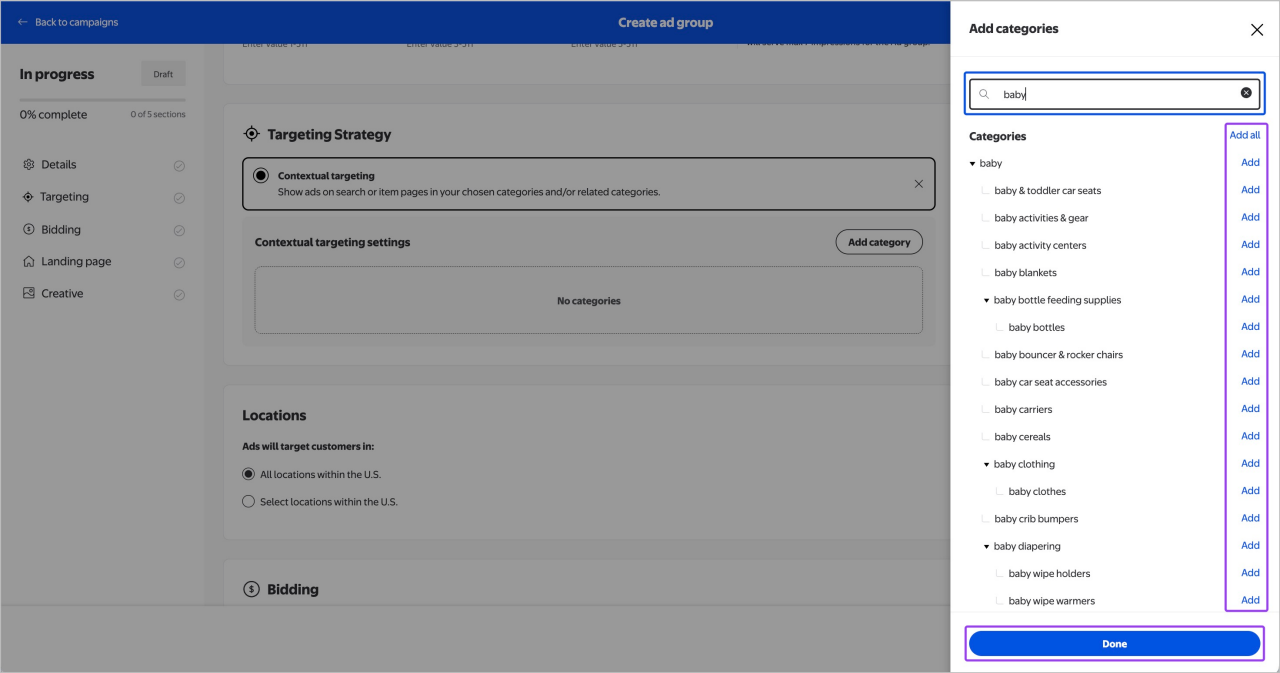
Ads can be targeted based on Walmart's retail taxonomy:
- Department (Level 1) – e.g., Health & Beauty
- Category (Level 2) – e.g., Eye Makeup
This ensures your ads reach customers who are actively shopping for the items most relevant to your campaign.
Setting up contextual targeting
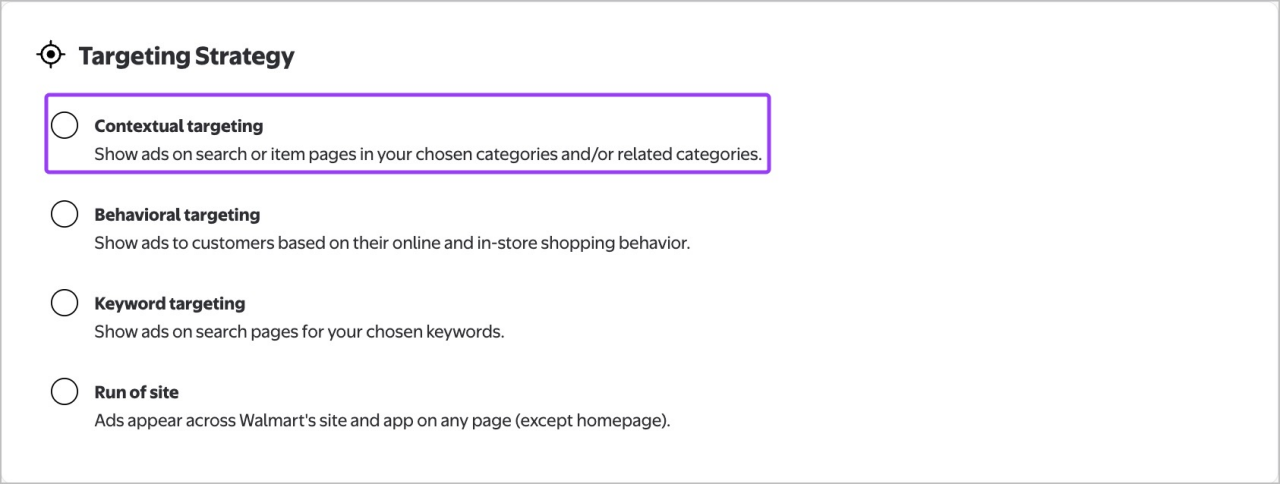
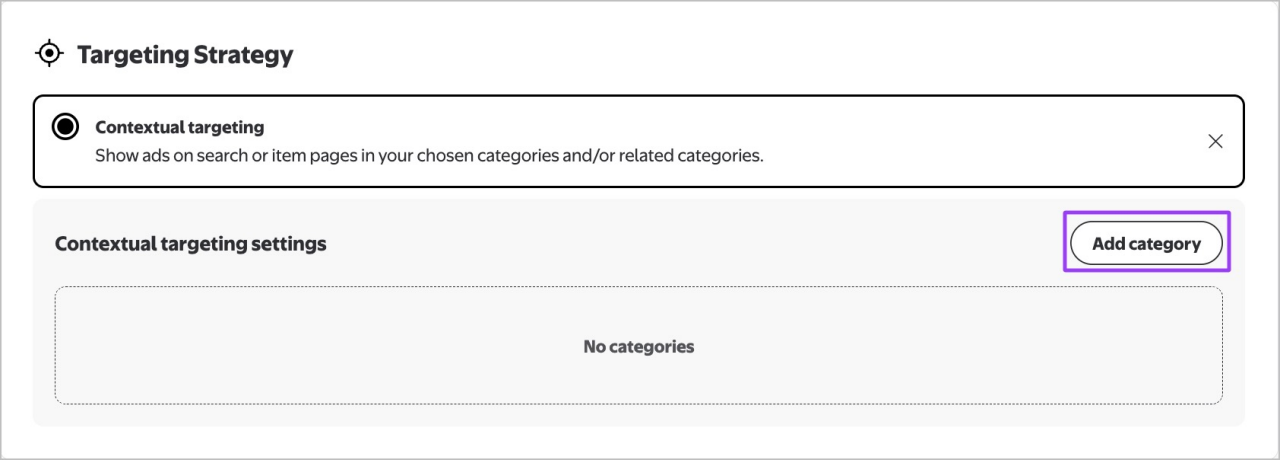
To add contextual targeting to your ad group, select Contextual targeting under Targeting strategy.